
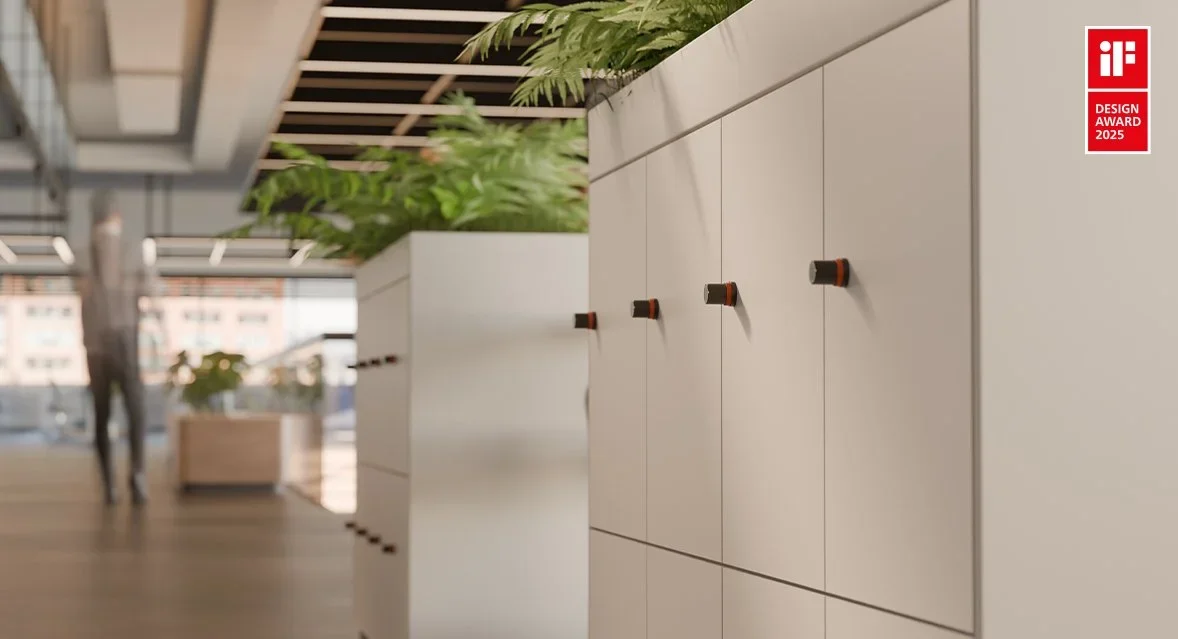
A guide to the Ojmar locker lock range, from padlock hasp to human-powered smart lock
Ojmar makes a locker lock for almost every situation, from a simple padlock hasp to a smart lock that powers itself. Here is how the range fits together and where each lock belongs.
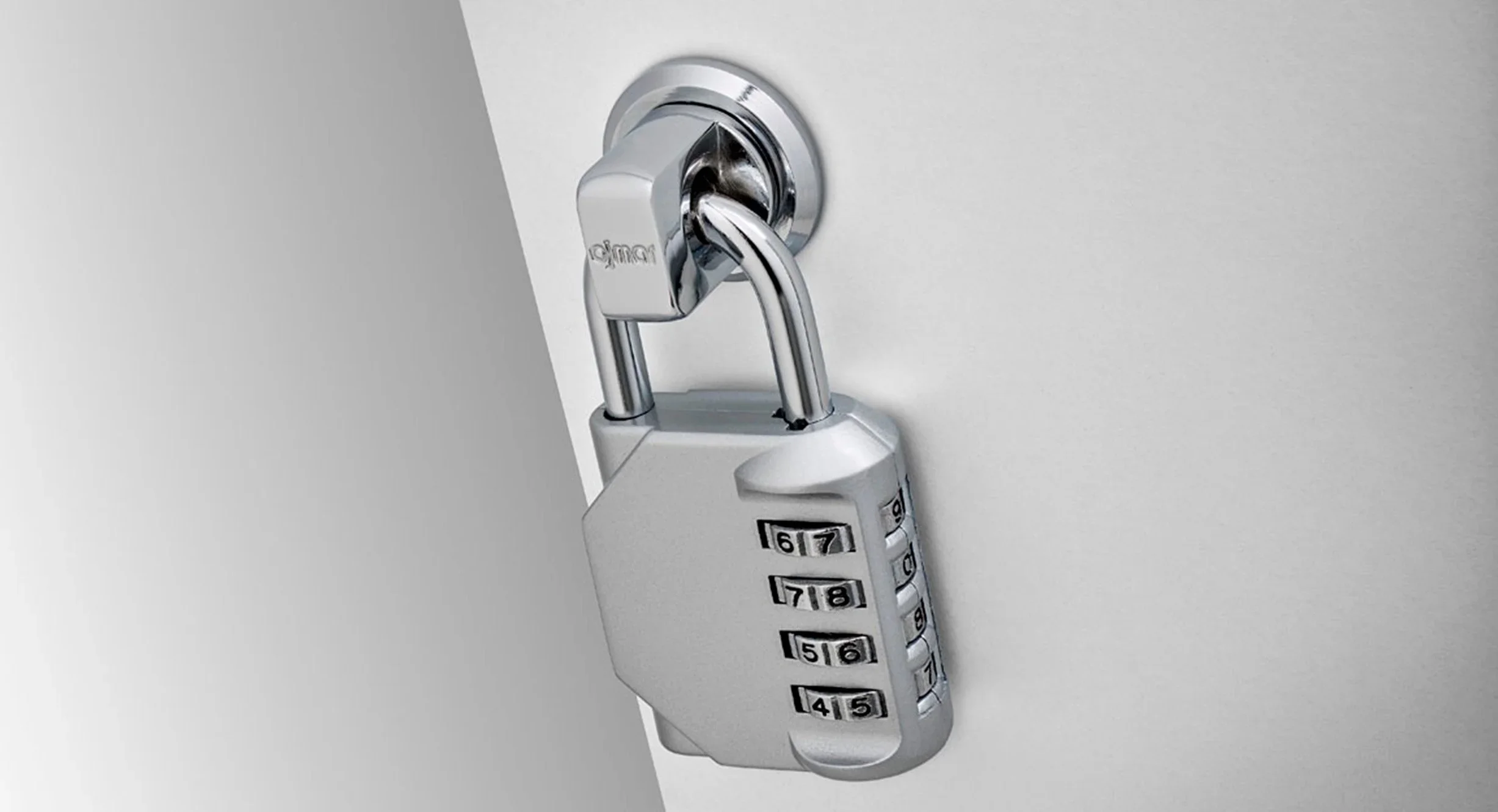
OMS Hasp: the simplest way to secure shared lockers
For shared lockers where users bring their own padlock, the Ojmar OMS Hasp keeps things simple for the people who run the facility.
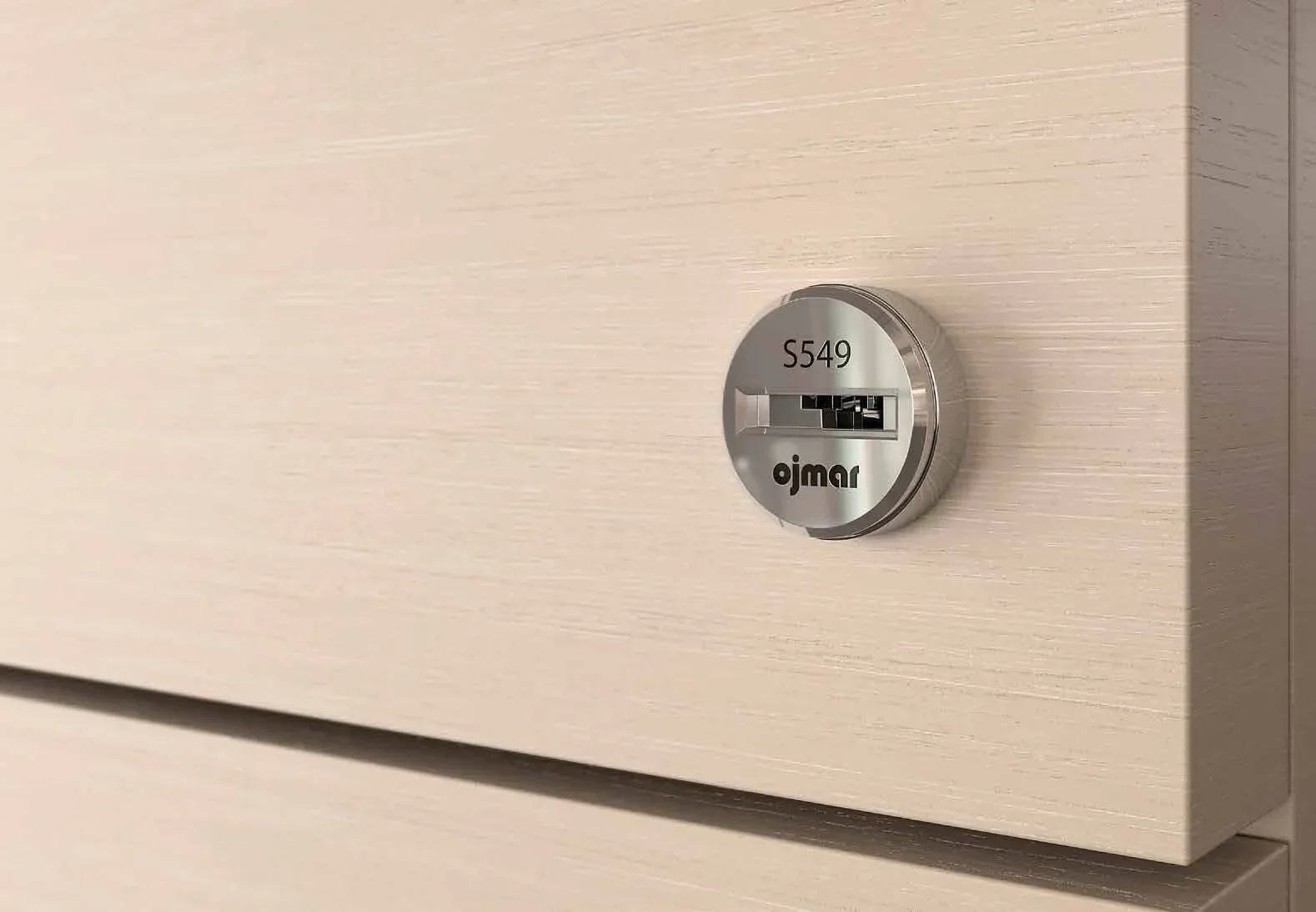
UNO office furniture locks: one cylinder across the whole range
Ojmar UNO is a keyed lock system for office furniture built around one interchangeable cylinder. Change the cylinder, not the lock.
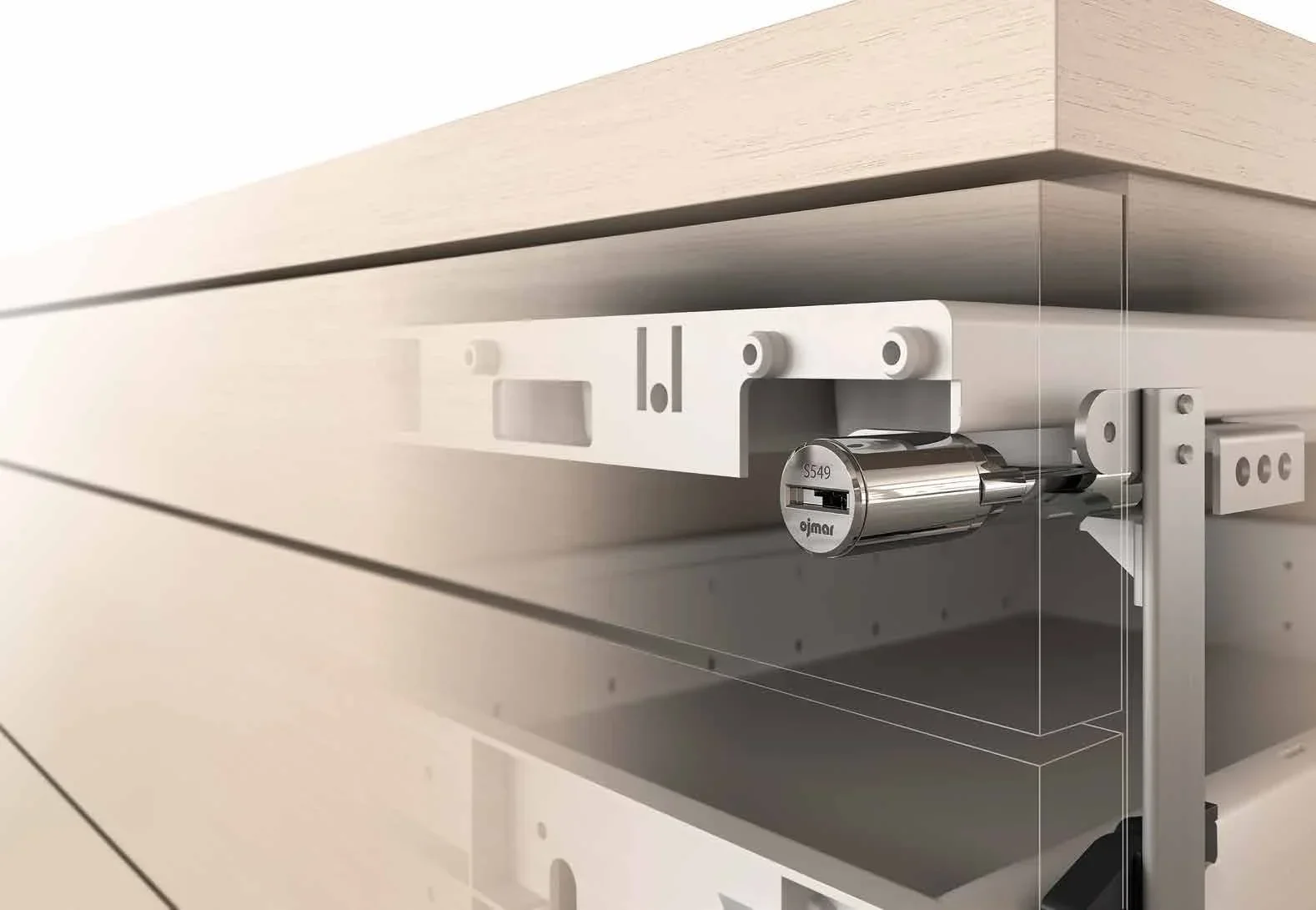
Master keying office furniture with Ojmar UNO
A practical look at planning a master key system for desks, pedestals, cabinets and storage walls with Ojmar UNO.
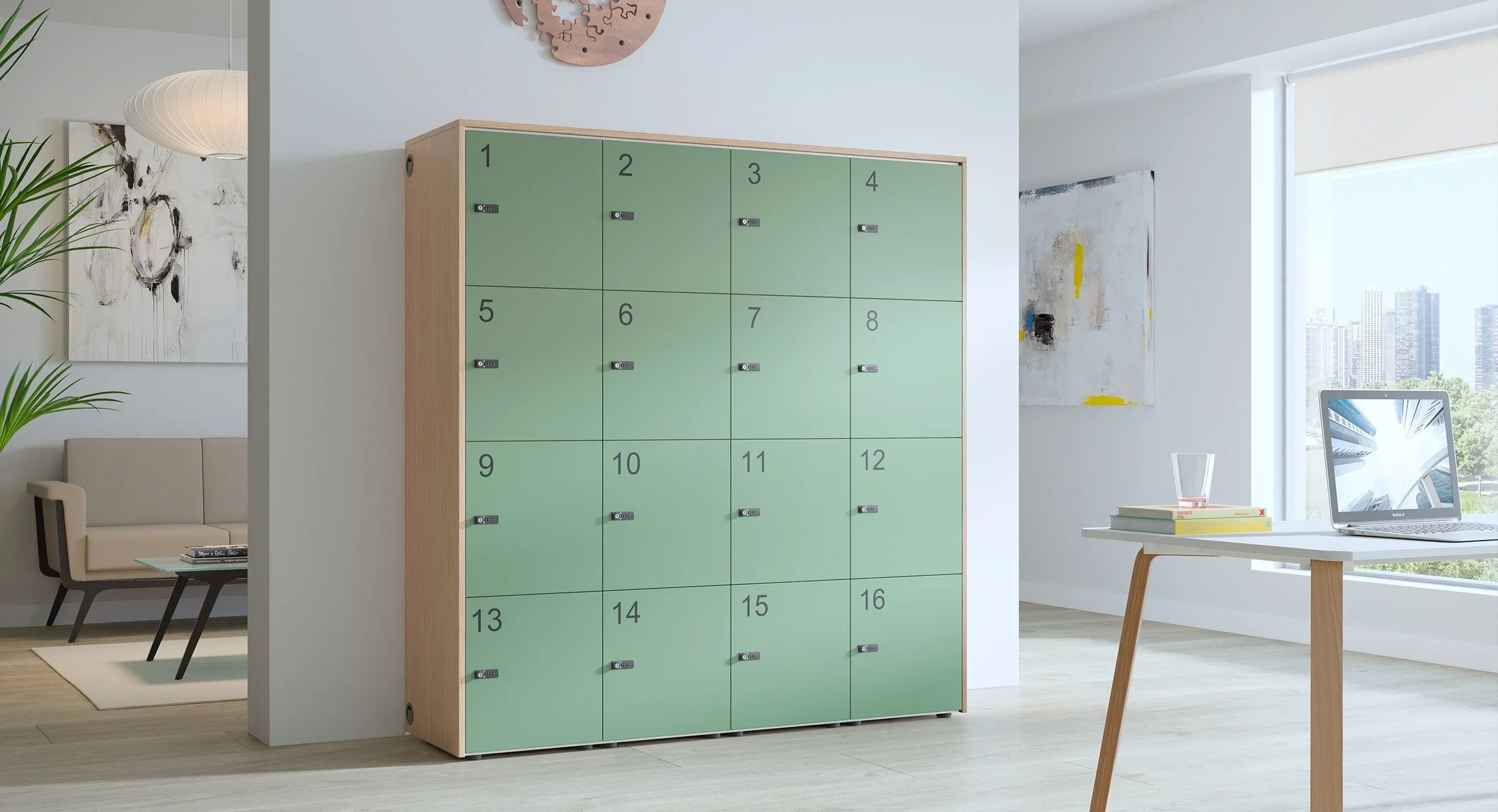
OMS 8002 combination camlock: no keys for schools, offices and staff rooms
The Ojmar OMS 8002 lets each user set their own 4-digit code, so there are no keys to issue, collect or replace.
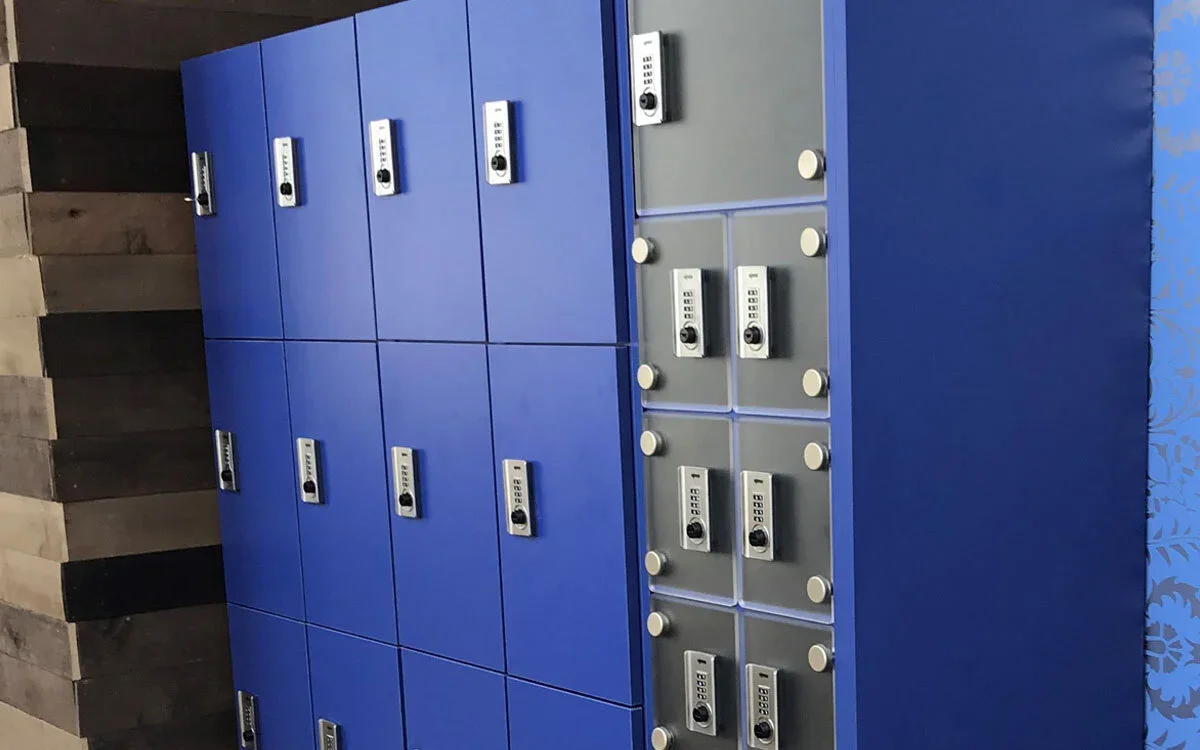
OMS Combi: a mechanical combination lock built for wet change rooms
IP65 rated, fully mechanical and with no batteries to change, the Ojmar OMS Combi suits gyms, pools and schools where lockers see water and constant use.
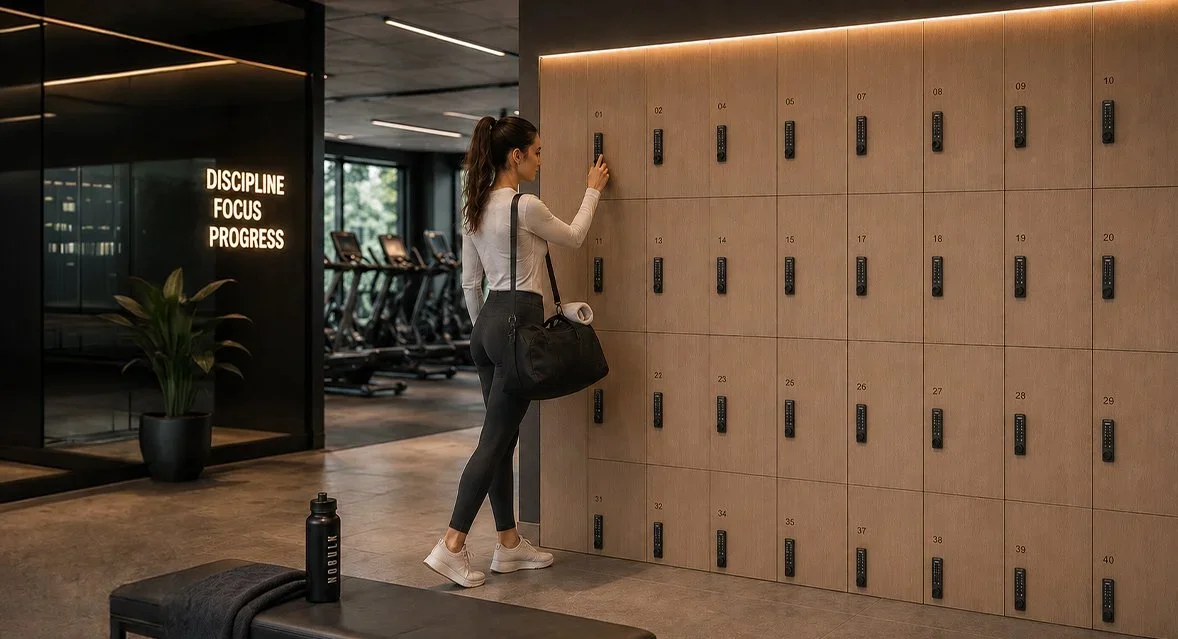
Mechanical or electronic? Choosing between Ojmar's keyless locks
Combination, keypad, RFID or phone: a straightforward comparison of Ojmar's keyless locker locks and where each one fits.
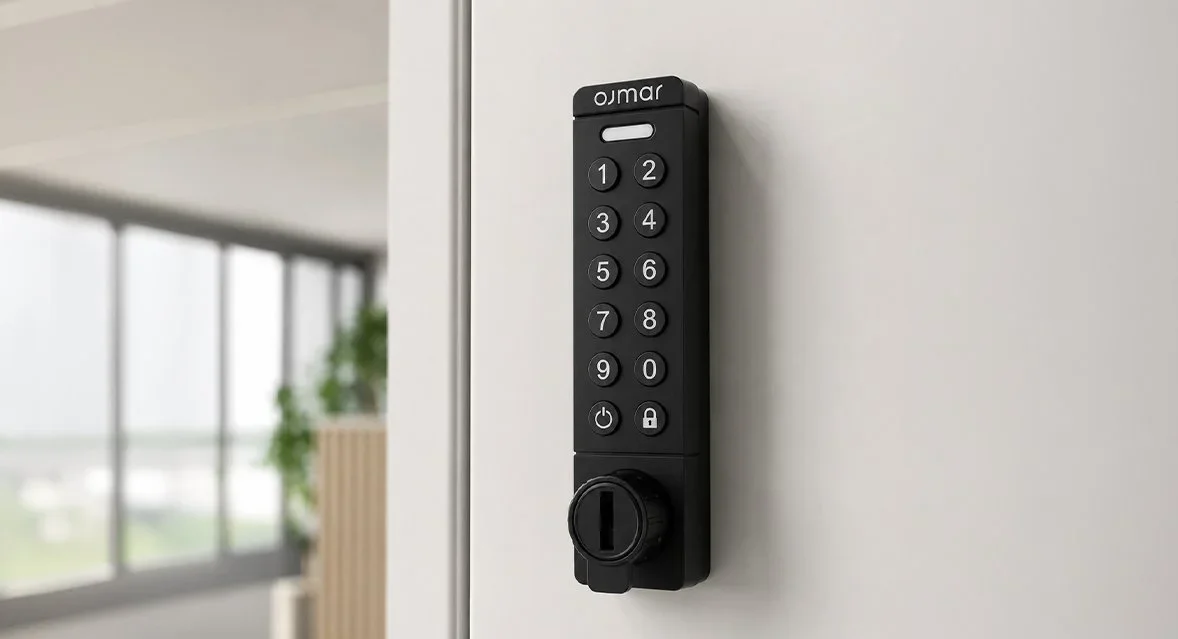
OGS 10 keypad camlock: keypad access without new doors
The Ojmar OGS 10 replaces existing mechanical camlocks with a compact keypad, without changes to the doors or furniture.
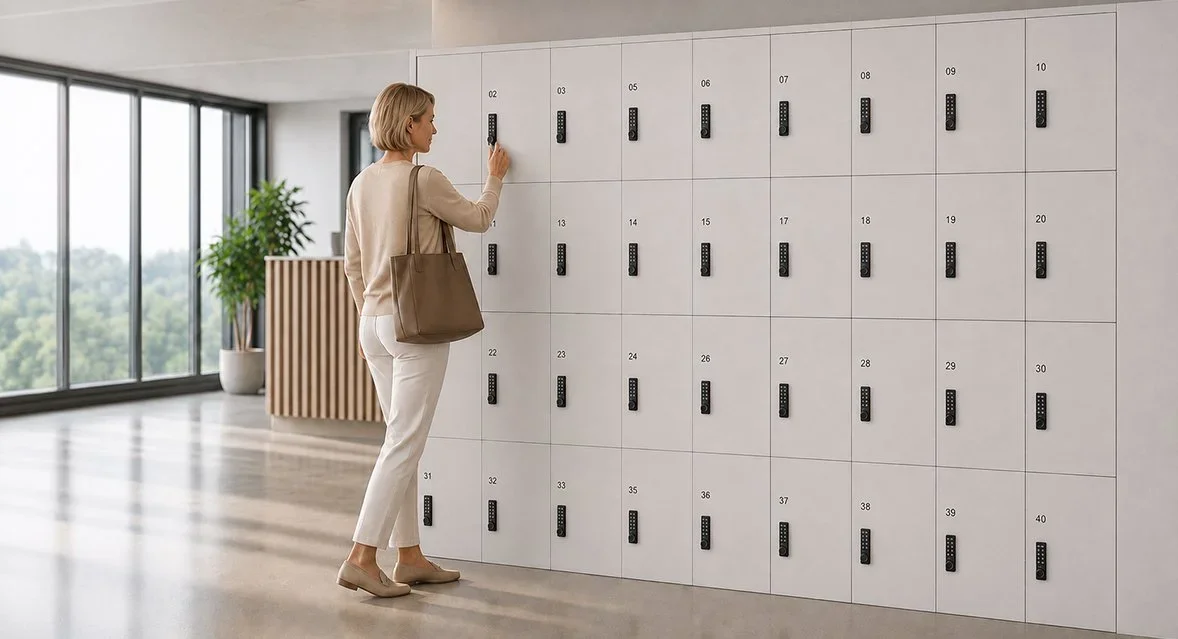
From keys to codes: retrofitting camlocks on existing furniture and lockers
Keyed camlocks can usually be replaced with combination or keypad locks on the same doors. Here is how to choose and what we need to know.
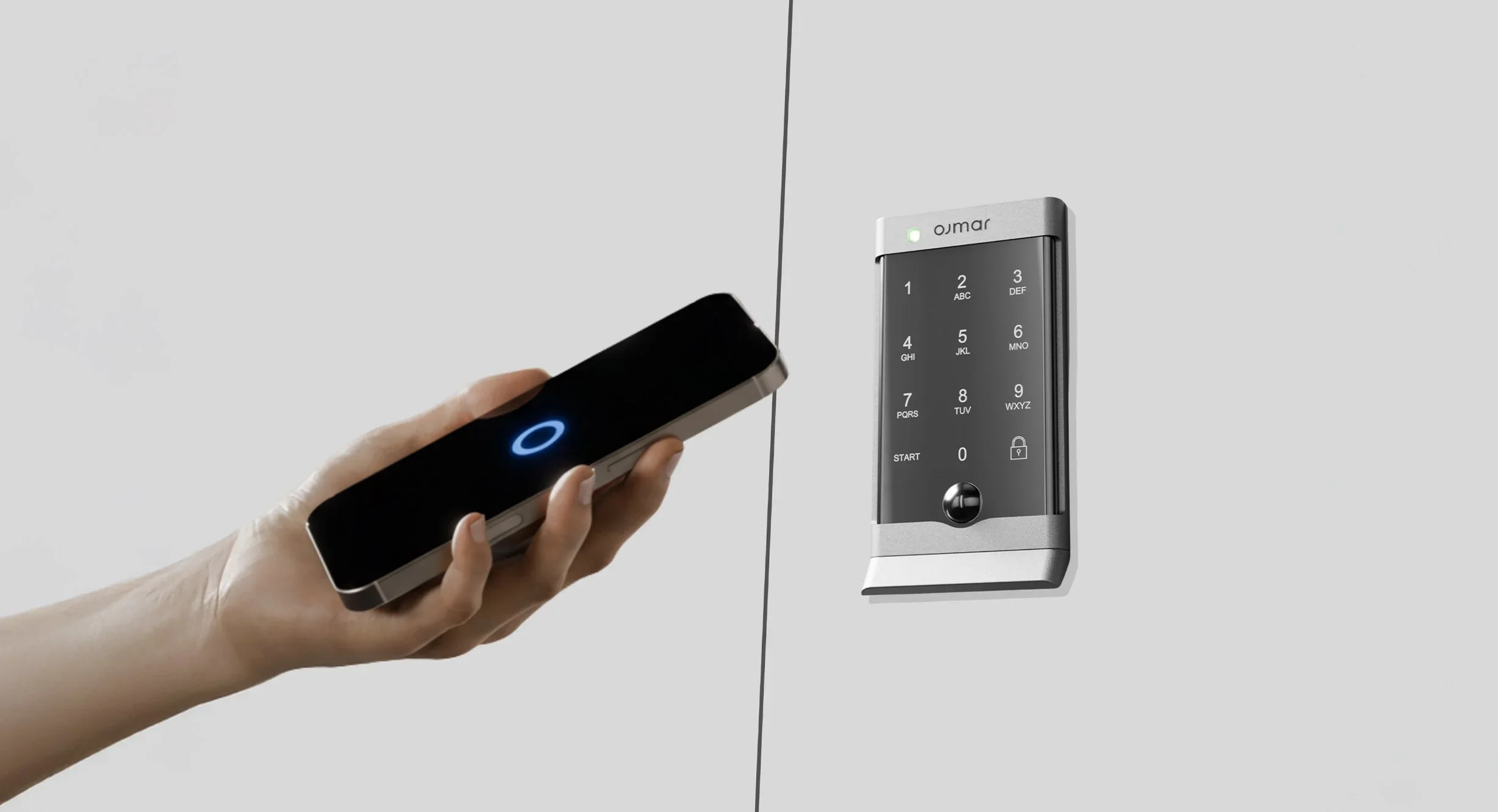
OCS 30 (Smart): a touch keypad that also opens by phone
The Ojmar OCS 30 (Smart) combines a flat touch keypad with Bluetooth smartphone access, for shared, personal and rental lockers.
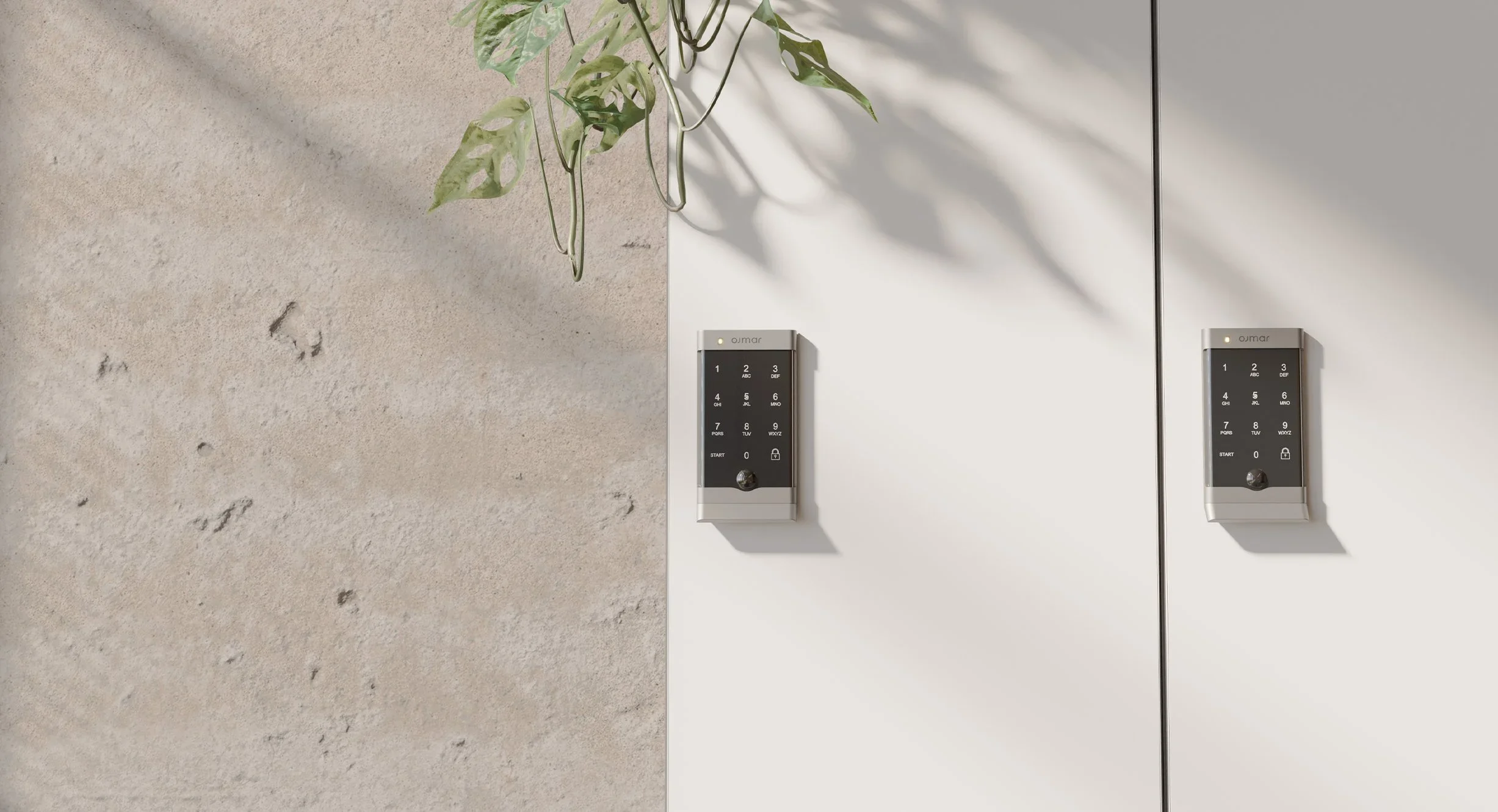
OCS to OCS 30: a same-footprint swap-over for earlier Ojmar keypad locks
The Ojmar OCS 30 has the same footprint as the original OCS, so facilities can move to the new lock on the lockers they already have.
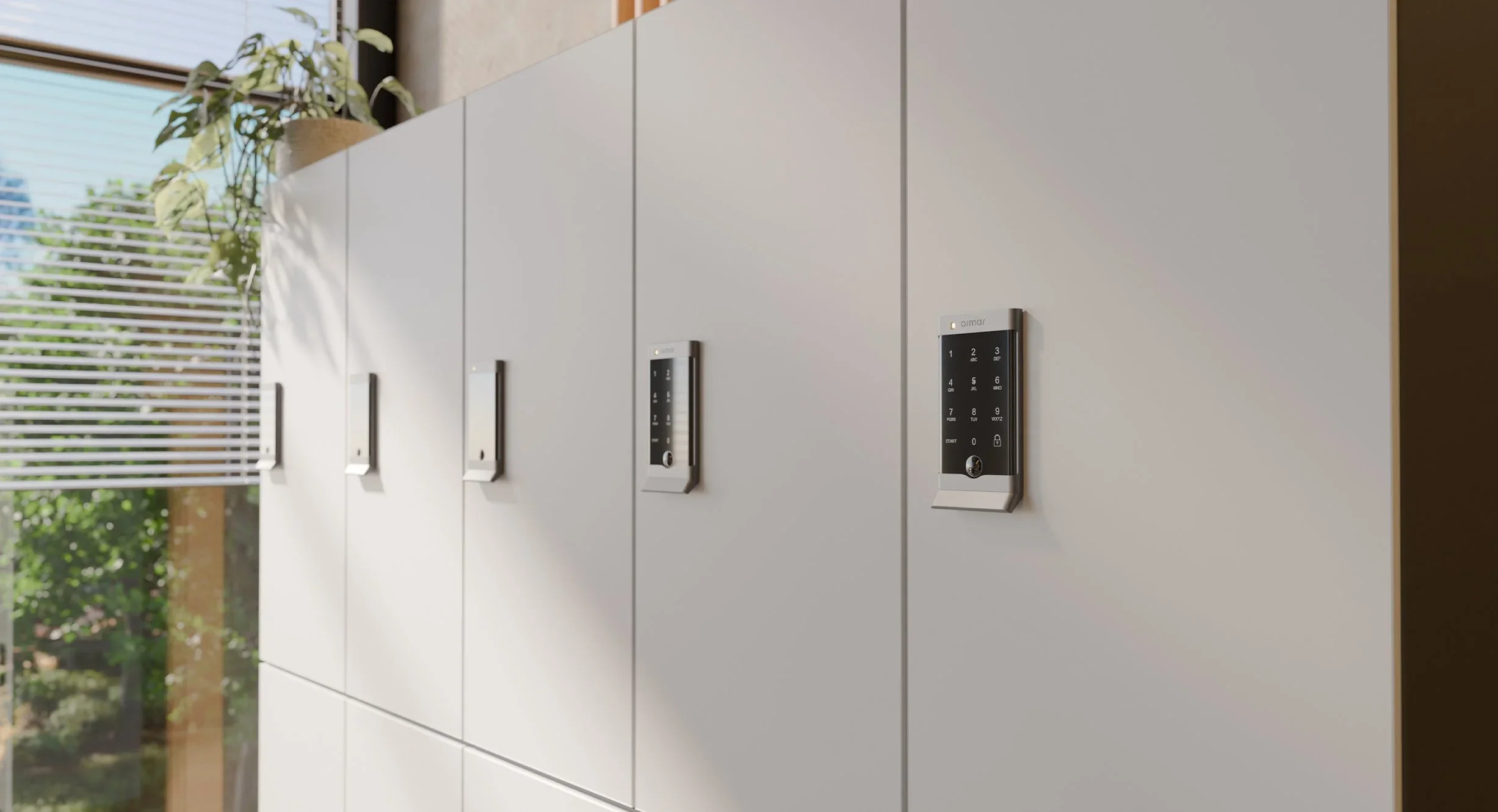
How an OCS to OCS 30 swap-over works, step by step
From the first photo to the handover, here is how Locksmart Australia runs an upgrade from earlier OCS keypad locks to the Ojmar OCS 30.
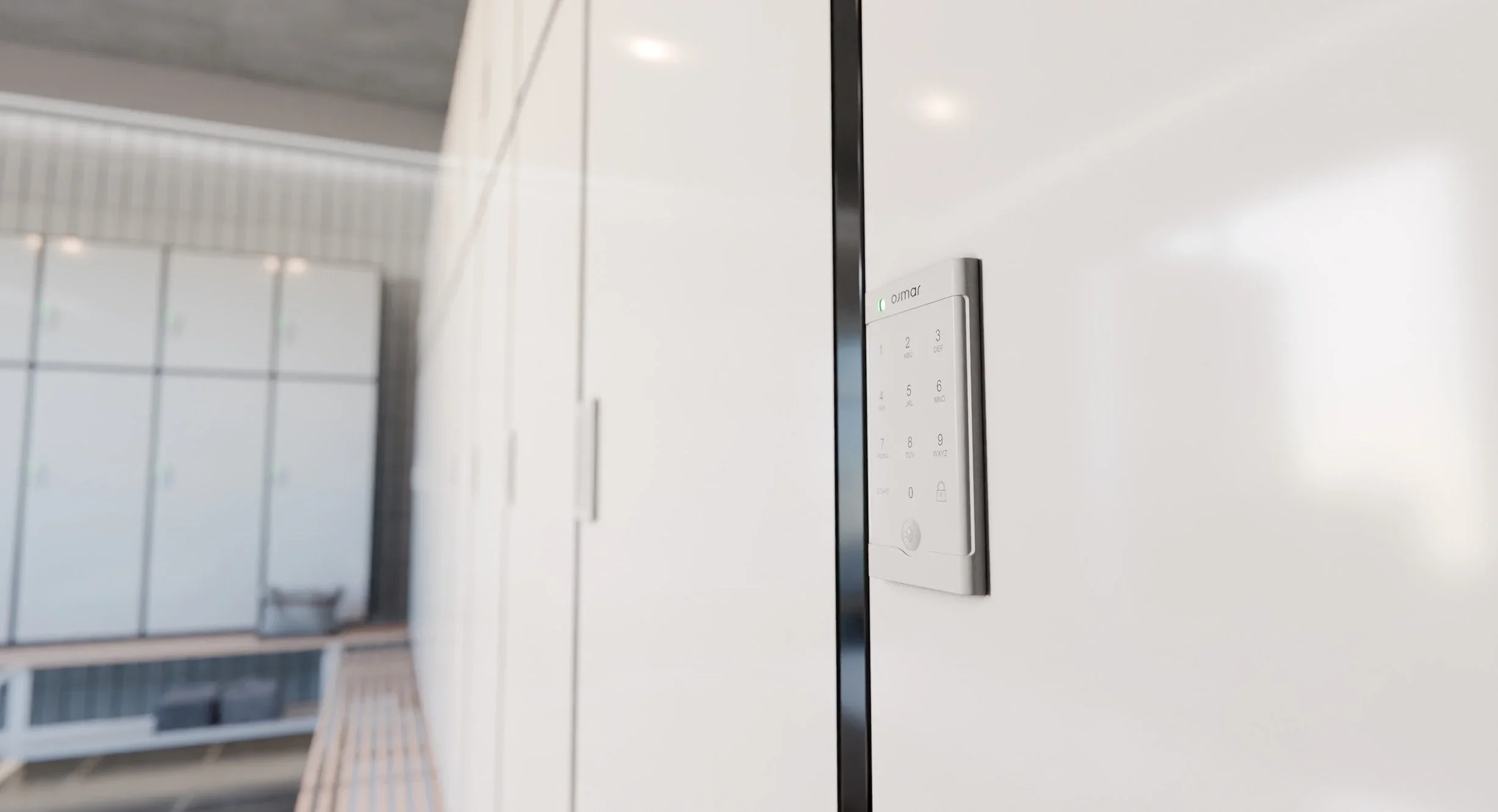
Is your locker fitted with an earlier Ojmar OCS? What to send us for an upgrade quote
Earlier Ojmar OCS keypad locks are still in change rooms and offices across Australia. Three details are enough for us to quote the swap to the OCS 30.
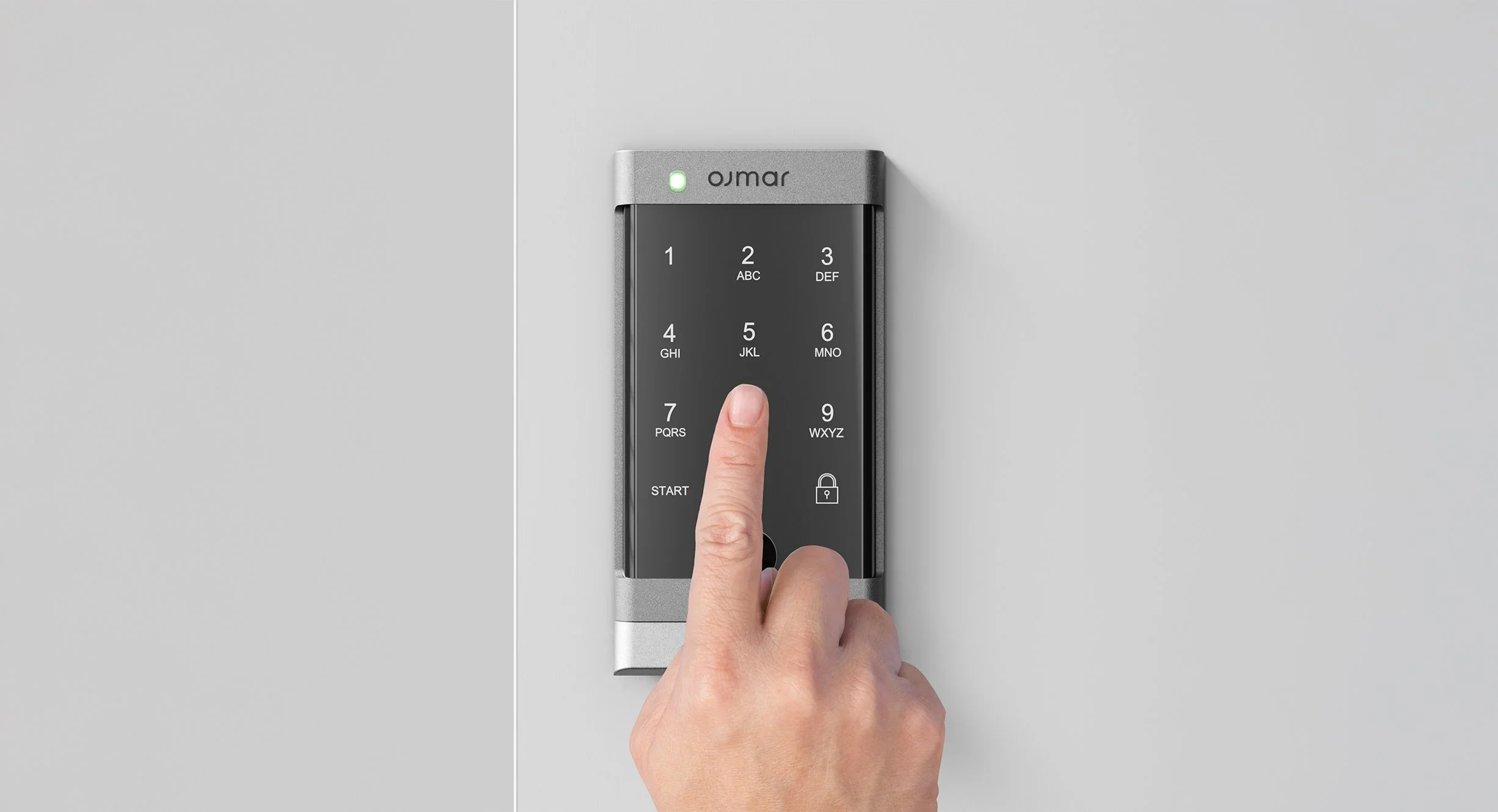
What changes for members and staff after an OCS 30 upgrade
The lockers stay the same. The experience of using and running them does not. Here is what users and facility teams notice after moving to the Ojmar OCS 30.
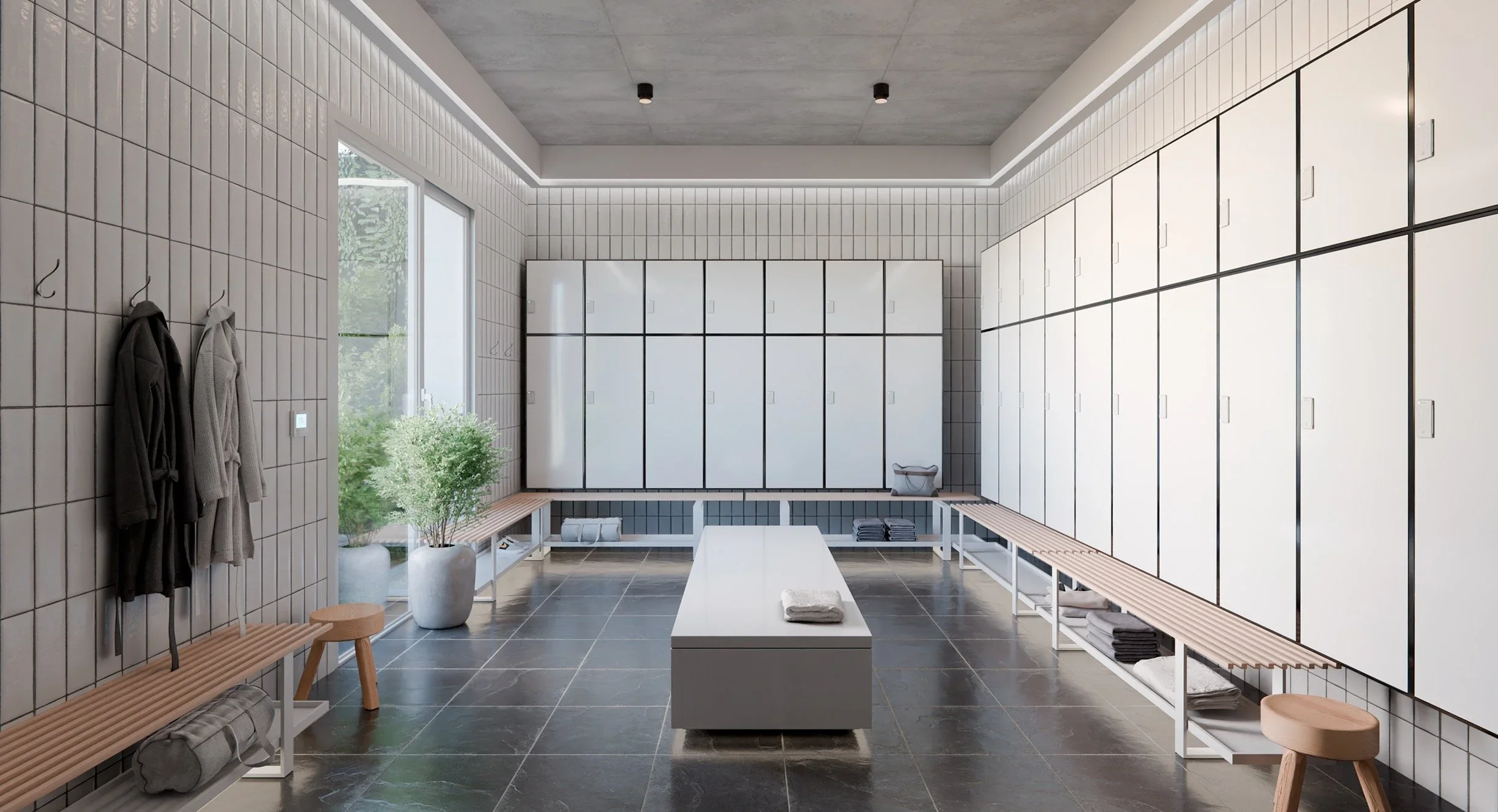
Upgrading OCS locks in stages: one change room at a time
An OCS to OCS 30 upgrade does not have to happen all at once. Because the new lock has the same footprint, each stage is a simple lock swap.
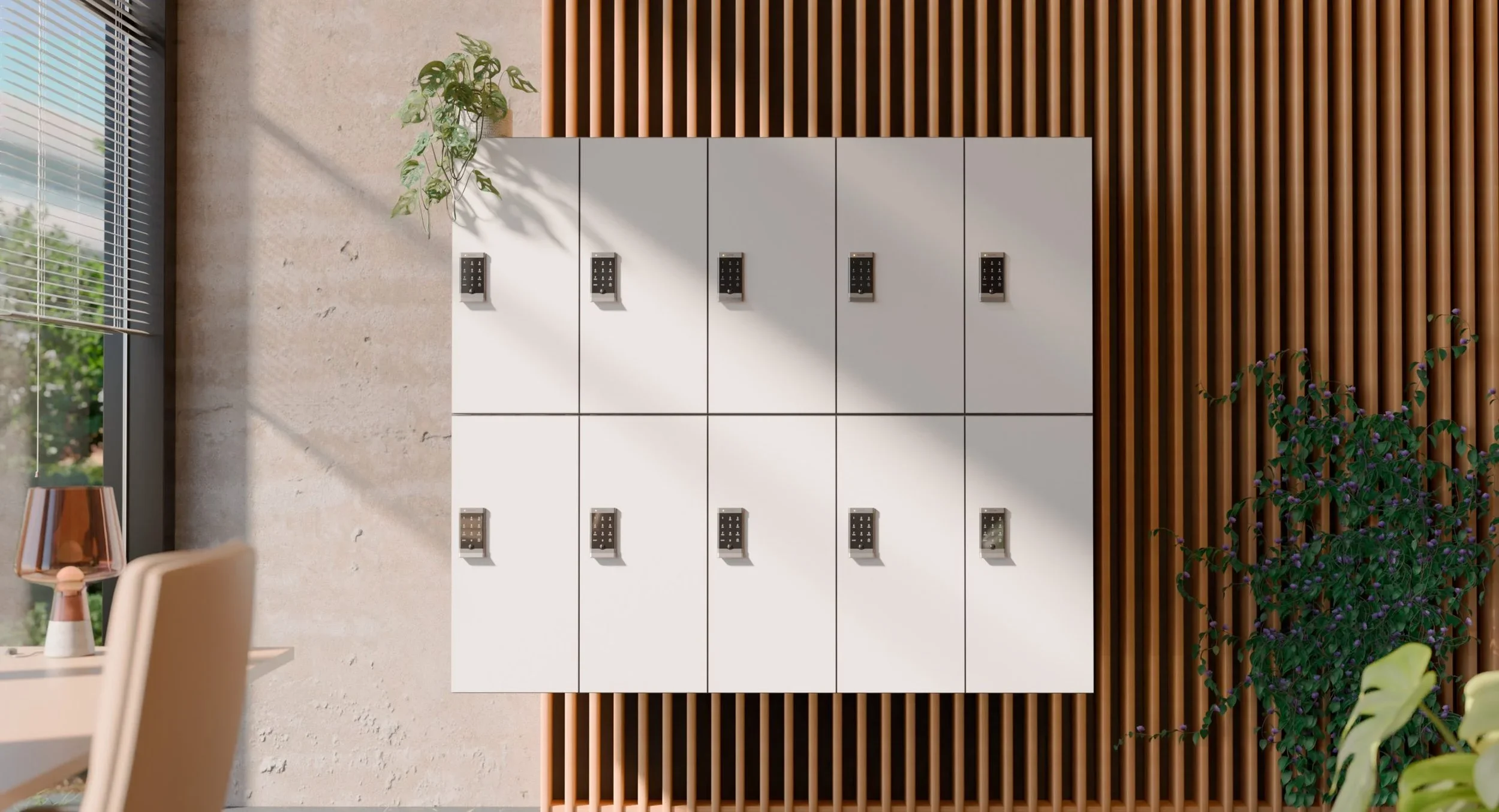
Free, fixed and rental: how the OCS 30 handles every kind of locker
Day-use, assigned and paid lockers often sit side by side. The Ojmar OCS 30 runs all three from the one lock.
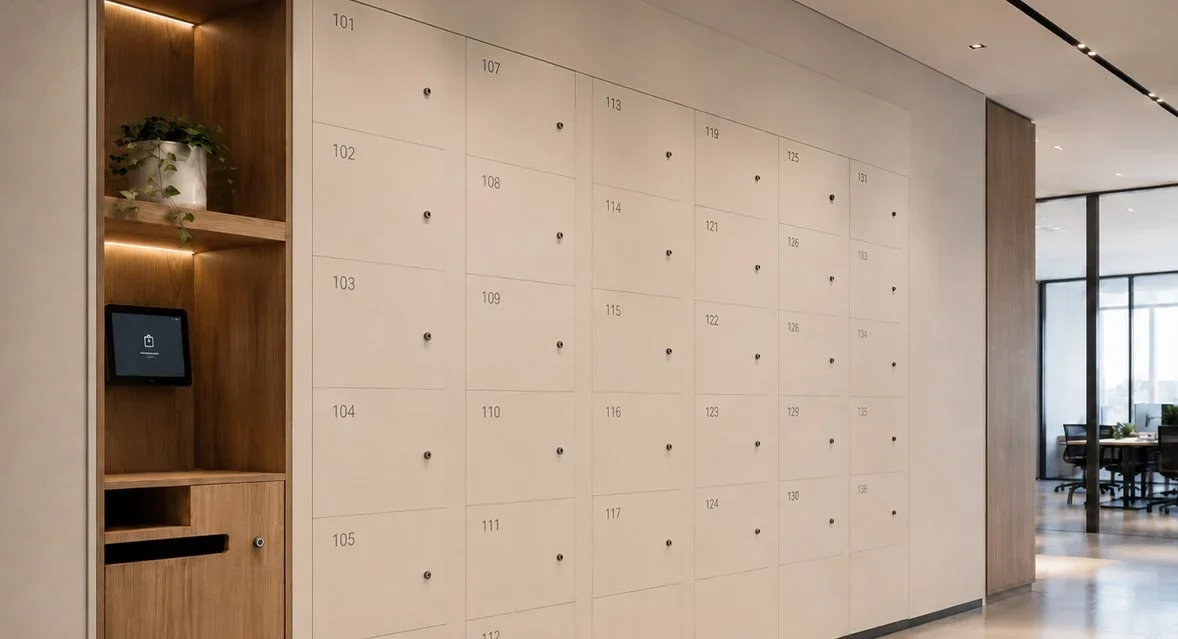
OTS 10 (Basic): RFID locker access with the card users already carry
If members, students or staff already carry a MIFARE card, wristband or fob, the Ojmar OTS 10 (Basic) lets that same credential open their locker.
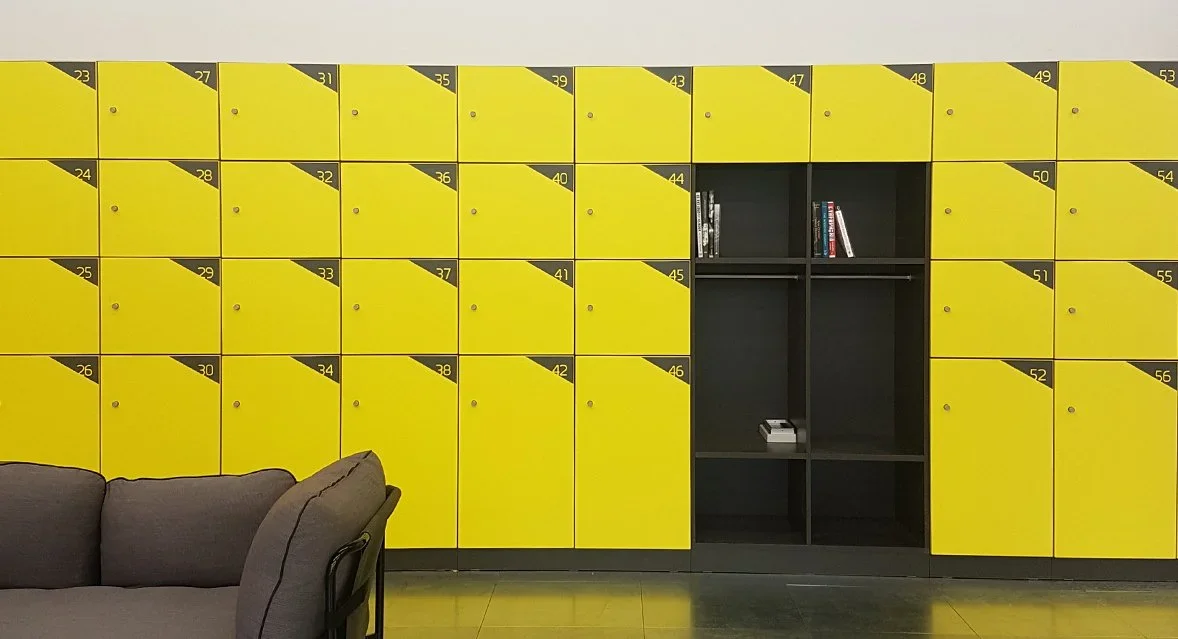
OTS 20 (Advance): one credential for the door and the locker
Ojmar's leading RFID locker lock is installed in over 1,000 facilities worldwide. One lock handles shared and personal lockers with the credential users already carry.
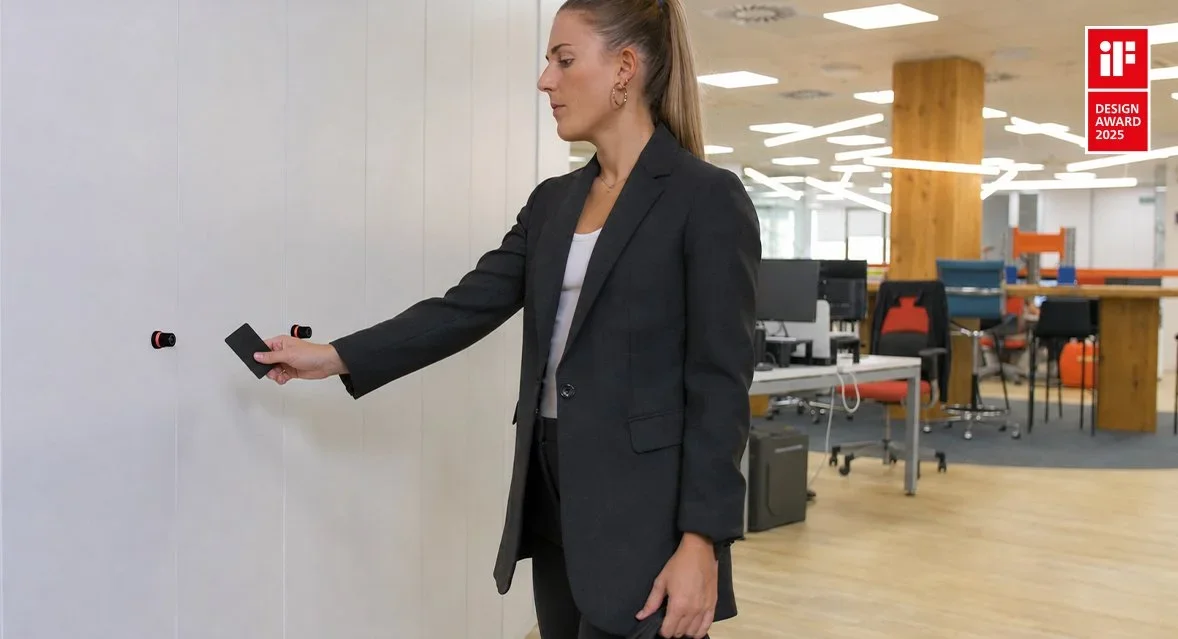
MIFARE, DESFire, NFC and Bluetooth: which Ojmar locks read what
A plain-English guide to the credentials Ojmar locker locks accept, so lockers can work with the cards, wristbands and phones your users already have.
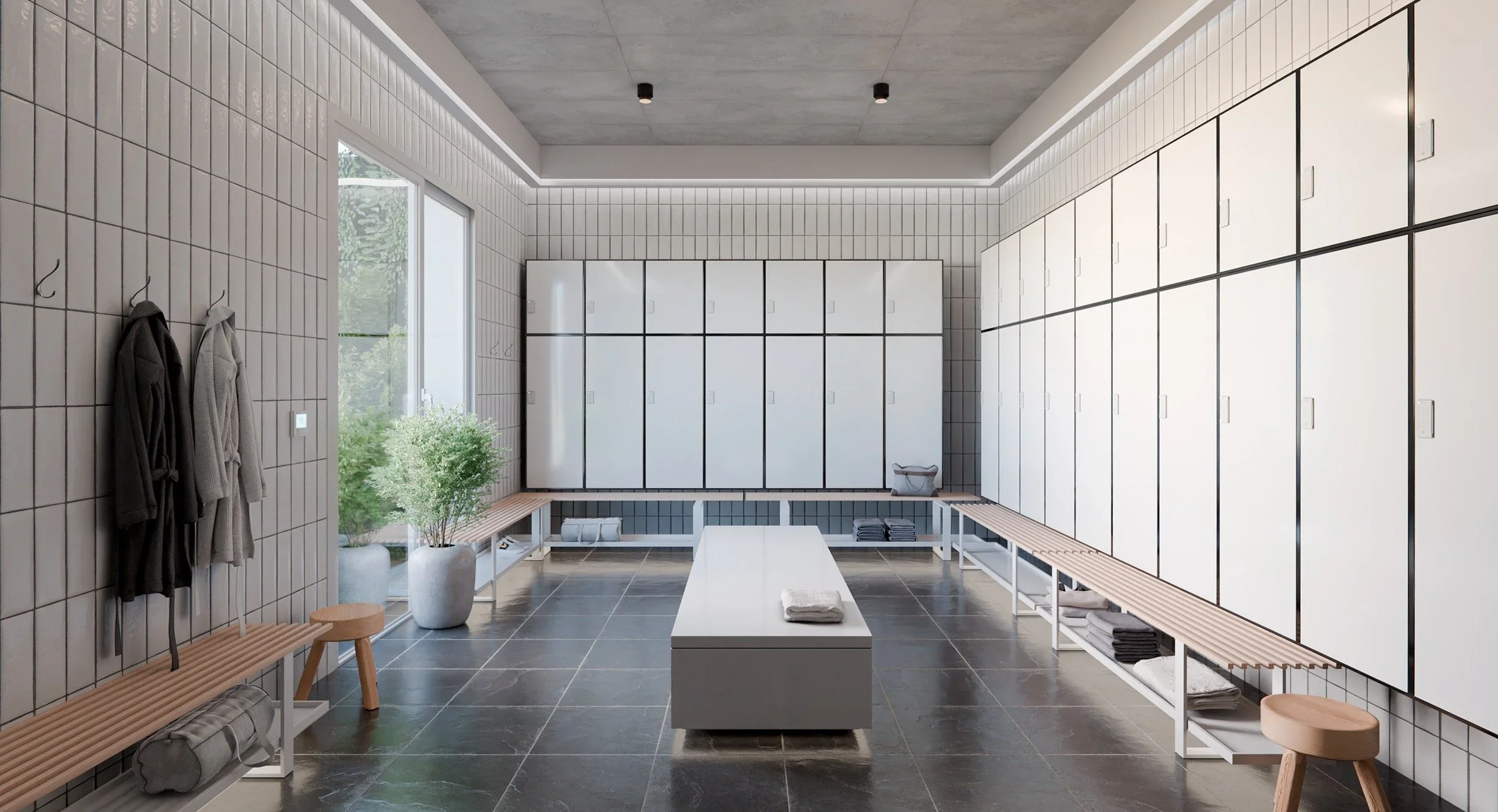
End-of-trip lockers that reset themselves every night
End-of-trip facilities run on a daily cycle. Ojmar locks with automatic opening free up day-use lockers overnight without staff opening them one by one.